How to Build a Budget Retro Gaming Setup: Mini PCs and Handhelds
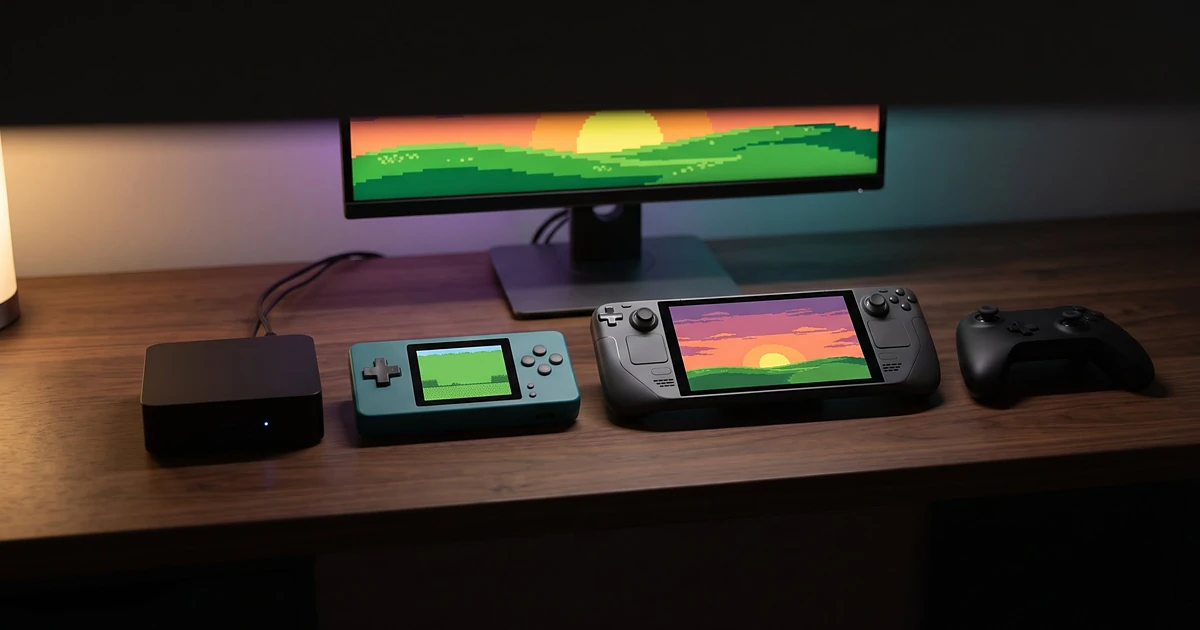
Classic games demand less of modern hardware. A Super Nintendo had a 3.58 MHz processor; an inexpensive small PC today runs at something like 1000x that clock speed. That difference lets a budget retro gaming setup cost less than a new console while covering decades’ worth of games. The hitch is that “retro” now ranges from 8-bit cartridges to the PlayStation 2 and GameCube, and those later systems are much harder to run well. The two practical options are a tiny PC hooked into a TV or a portable handheld. In this guide, we compare them and show which games each price level can reasonably run.
What a Budget Retro Gaming Setup Actually Needs
Every setup boils down to five things: a processor, graphics, RAM and storage, a screen, and a controller. How much of each you need depends almost entirely on the newest system you want to play.
- Processor: For older consoles, almost anything works. For the PS2 and GameCube, single-core speed matters more than core count. The PCSX2 project recommends a CPU with a PassMark single-thread rating of about 2,100, and the Dolphin FAQ says extra cores “will not make Dolphin go any faster.”
- Memory and storage: PCSX2 recommends 8 GB of RAM. Cartridge games are modest, but disc-based systems take up significant space, so arrange your storage around your own disc backups.
- Graphics: Most vintage systems run at native resolution on integrated graphics. How far you can upscale 3D games on a huge TV depends mostly on the GPU’s power.
Option 1: Building a Retro Gaming Setup with a Mini PC
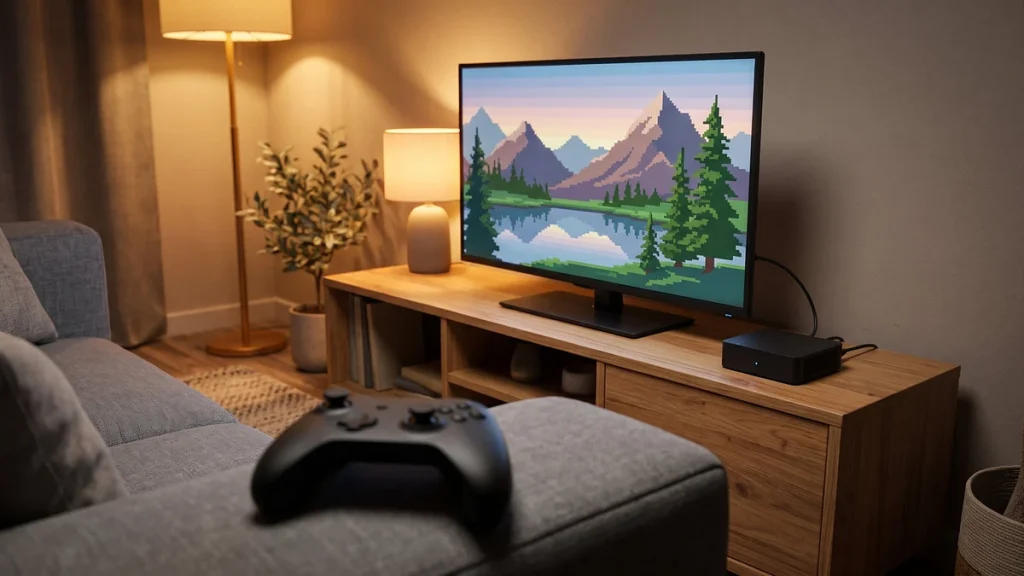
A mini PC is a full Windows or Linux computer the size of a paperback. It is the most versatile choice for TV play as it can run all major emulators and frontends.
Intel N-series (N100, N150): These low-power CPUs dominate the cheapest small PCs. Intel describes the N150 as having 4 cores, 3.6 GHz boost, 24 graphics execution units, 4K60 HDMI compatibility, and one memory channel. In practice, that’s plenty for everything up to the PS1, N64, and Dreamcast, whereas sixth-generation systems are hit and miss at native resolution.
AMD Ryzen with Radeon graphics: Ryzen compact PCs pair stronger CPU cores with considerably better integrated graphics, especially the Radeon 680M and 780M. This is the level where those systems start to run comfortably. Integrated graphics share system memory, so Ryzen machines should come with two RAM sticks running in dual-channel.
What to check before buying:
– HDMI 2.0 or newer if you want 4K output.
– An NVMe SSD rather than eMMC storage.
– At least two USB-A ports, plus Bluetooth 5.x for wireless controllers.
– Reviews that measure fan noise and clock speeds under sustained load, since small coolers can throttle during long sessions.
Option 2: Choosing a Handheld Retro Gaming Device
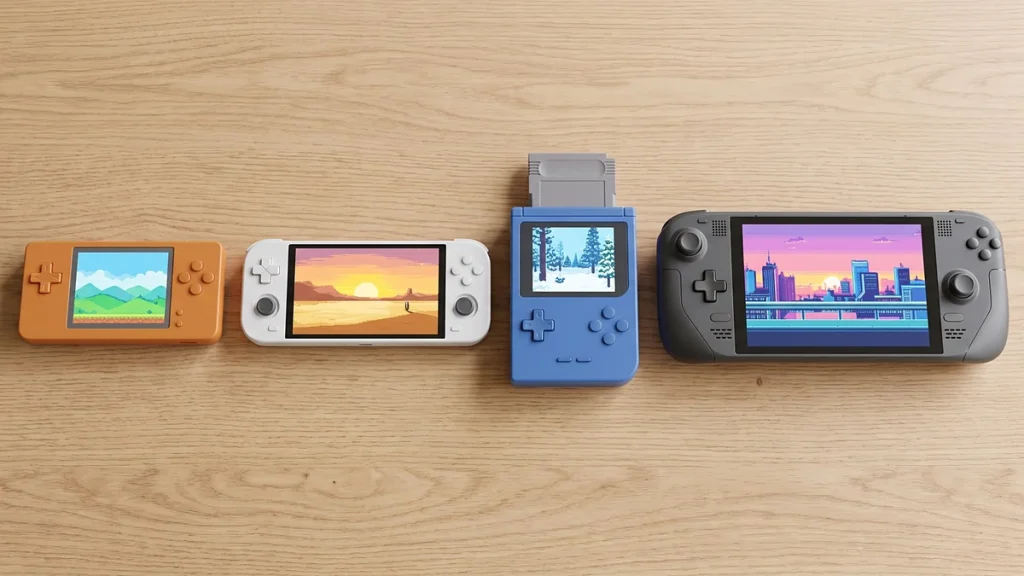
Handhelds fall into four groups, and they differ more in software than in looks.
Dedicated Linux retro handhelds
Devices such as the Anbernic RG35XX Plus use small ARM chips (an Allwinner H700 with 1 GB of RAM in this case), a 3.5-inch 640×480 panel, and a lightweight Linux build designed purely for games. Rated for about eight hours of battery life, this class targets 8-bit, 16-bit, and PS1 libraries rather than the 3D consoles that followed.
Android handhelds
Android devices run standalone emulator apps from the Play Store and use much more powerful chips. The Retroid Pocket 5 pairs a Snapdragon 865 with a 5.5-inch 1080p AMOLED screen and 1080p video output over USB-C. Retroid announced in September 2026 that it will discontinue the Pocket 5, Pocket Flip 2, and Pocket Classic once stock runs out, so check availability first. Anbernic’s RG406H, with a Unisoc T820 and a 4-inch 960×720 screen, is a cheaper Android alternative; in Joey’s Retro Handhelds’ review, Dreamcast, N64, and PSP ran well, while PlayStation 2 titles and later GameCube releases needed lower settings.
Handheld gaming PCs
The Steam Deck OLED is a portable PC with an AMD Zen 2 APU, 16 GB of RAM, a 7.4-inch 1280×800 OLED screen up to 90Hz, and DisplayPort via USB-C for docking. It runs SteamOS, a Linux-based OS, and Batocera officially supports it. Valve has discontinued the cheaper LCD model, so the OLED is now the only new Steam Deck.
Officially licensed retro hardware
Evercade takes a different approach: officially licensed game collections on cartridges, played on the EXP-R handheld or the VS-R TV console. You don’t need to configure anything, and every game is licensed, but you can only play the collections Blaze releases. That’s the clear line between licensed products and the independent handhelds above, which ship as hardware only.
A small dedicated handheld is often the better buy, for a simple reason: if your favorites are Game Boy Advance and SNES games, a light body and a sharp little display matter more than PS2 performance you will never use.
Which Retro Systems Can Each Budget Handle?
Treat this table as a typical picture, not a guarantee. Results depend on the emulator, the specific game, drivers, and settings.
| System | Linux handheld (H700 class) | Android handheld (Snapdragon 865 class) | Intel N150 mini PC | Ryzen 780M mini PC / Steam Deck |
|---|---|---|---|---|
| 8-bit and 16-bit | Excellent | Excellent | Excellent | Excellent |
| PS1, Game Boy Advance | Very good | Excellent | Excellent | Excellent |
| Nintendo 64 | Mixed | Good | Good | Excellent |
| Dreamcast, PSP | Limited | Good | Good | Excellent |
| PlayStation 2 | Not suitable | Mixed, native resolution | Mixed, native resolution | Good, upscaling possible |
| GameCube, Wii | Not suitable | Mixed | Limited | Good, upscaling possible |
| PS3, Wii U, Switch | Not suitable | Not suitable | Not suitable | Some games, often with tweaks |
Mini PC vs Handheld: Which Should You Choose?
| Mini PC | Handheld | |
|---|---|---|
| Upfront cost | Low to mid, plus screen and controller if needed | Low (Linux) to high (handheld PC), all-in-one |
| Performance per dollar | Higher | Lower, you pay for the screen and battery |
| Portability | Moves between TVs, not pocketable | Fully portable |
| Screen | Needs a TV or monitor | Built in |
| Battery | None needed | A key limit on handheld PCs |
| Upgradeability | RAM and SSD usually replaceable | Usually only microSD |
| Ease of setup | Most hands-on | Simplest on dedicated retro handhelds |
| Best for | Couch and living-room play | Commutes, travel, playing in bed |
Recommended Budget Tiers
Prices below are US list or retailer prices checked in late 2026, and they change often.
Entry level (about $50 to $100), the first column of the table above. An H700-class Linux handheld like the RG35XX Plus (listed at $63.99 by Anbernic), or an Evercade EXP-R or VS-R at $99.99. Prioritize screen quality and buttons over processing power.
Mid-range (about $100 to $260), the second and third columns. Retroid’s clearance prices put the Pocket Classic at $99 and the Pocket 5 at $179. On the TV side, Tom’s Hardware tracked budget N100 and N150 mini PCs climbing to roughly $217 to $259 by January 2026, up from about $159 the previous August. Prioritize the CPU and storage.
Higher-end, the last column. A Ryzen mini PC with Radeon 780M graphics (prices vary widely by memory and SSD size, so compare current listings), or the Steam Deck OLED, which Valve raised to $789 (512 GB) and $949 (1 TB) in May 2026. Prioritize graphics and cooling.
Essential Software and Accessories
Three kinds of software are easy to confuse:
– Emulator: the program that imitates a console, such as PCSX2 (PlayStation 2) or Dolphin (Nintendo GameCube).
– Frontend: the menu that organizes your library and launches emulators. RetroArch combines a frontend with emulator “cores”; ES-DE is a popular standalone frontend. Our RetroArch vs standalone emulators comparison explains the trade-offs.
– Operating system: Batocera is a complete retro-gaming system that runs from a USB drive, SD card, or SSD and opens straight into a game menu instead of a desktop.
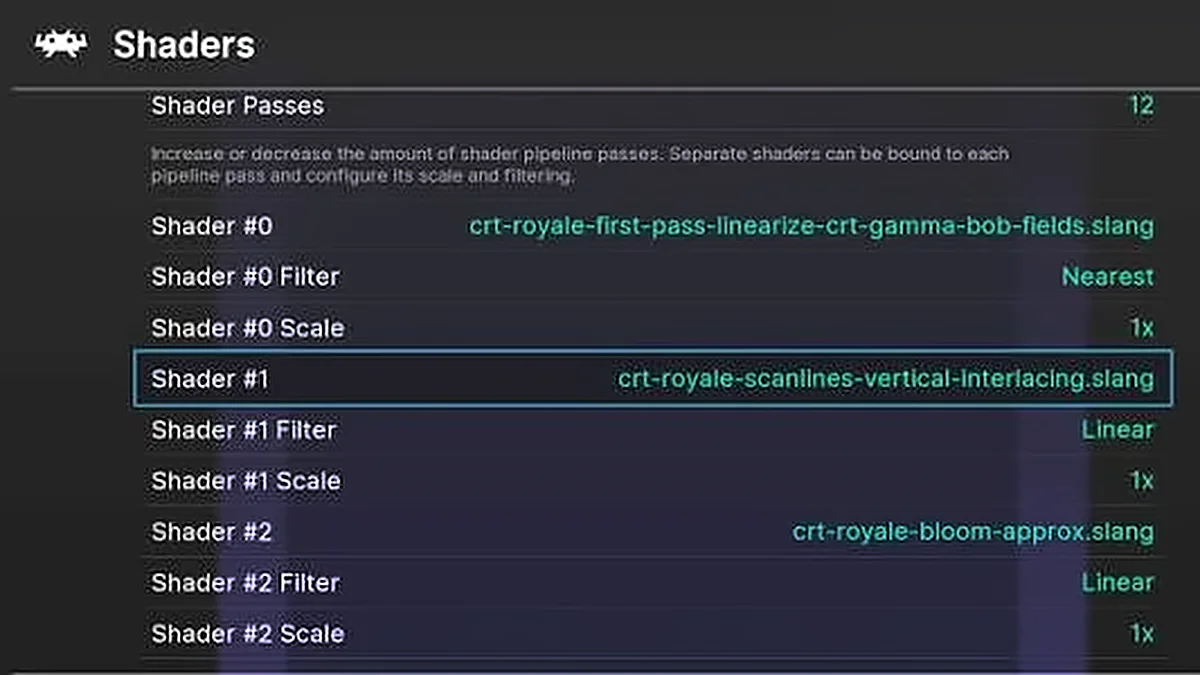
For accessories, begin with a comfortable controller (see our guide to the best controllers for emulation), a fast microSD card for handhelds, and a USB-C dock or HDMI adapter if your handheld supports video output. Once everything works, our save states and shaders guide shows how to save anywhere and make pixel art look sharper on a modern screen.
Common Mistakes to Avoid
- Buying for one demanding game. If a single PS2 title drives up your budget, check community compatibility lists to see whether it already runs on a cheaper tier.
- Falling for listings that claim thousands of preloaded games. Usually, preloaded game libraries are unlicensed, and the number of games says nothing about performance.
- Ignoring aspect ratio. Widescreen handhelds add black bars to the side of 4:3 games. A 4:3 screen does the opposite for later games designed in 16:9.
- Overlooking returns and support. Many affordable handhelds ship straight from overseas merchants, so check return terms and whether the manufacturer still pushes firmware updates.
- Mixing up platforms. Android handhelds employ ARM CPUs and cannot run Windows programs. Linux handhelds cannot install Android apps.
- Judging by model numbers. A new chip name doesn’t always indicate improved emulation, so check tests of the consoles on your list.
Legal Considerations and Game Preservation
Emulators are software, and in many countries writing and using them is legal. The games themselves, and console BIOS files, are copyrighted. Owning a cartridge or disc doesn’t automatically make every way to copy it legal, so check the law where you live. For example, PCSX2 asks users to dump the BIOS from their own console. Where local law allows it, our walkthrough on legally backing up game cartridges and discs covers your own collection. For a zero-risk route, our roundup of retro games you can play legally without emulators lists official collections and licensed hardware.
Final Recommendation
If you buy just one device, make it a Snapdragon 865-class Android handheld. No other option here works both in your hands and on a TV at a mid-range price.
- Tight budget: buy a Linux handheld and spend nothing else until you know which systems you actually play.
- TV only: choose the mini PC, because you already own the screen.
- Enthusiasts: buy the Steam Deck only if you also want modern PC games; for retro alone, a Radeon 780M mini PC covers the same systems at home.